
Qwen Image Layered: Decompose and Edit with AI
Split images into meaningful layers and edit each part independently. Change colors, move objects, or update text without touching the rest of the scene.
Click or drag image
Up to 1 images, max 5MB each
How to Use Qwen Image Layered
Edit any photo layer-by-layer in three easy steps.
1. Select Qwen-Image-Layered
Choose 'Qwen-Image-Layered' from the model dropdown to enable layered editing mode.
2. Upload Image & Adjust Settings
Upload your photo and set the number of layers to generate (e.g., background, foreground, text). You can also provide a short caption (optional) or leave it blank.
3. Generate & Edit Layers
Click 'Generate'. Qwen will output each layer separately. Use the layer tools to recolor, move, or delete elements, then apply the changes to see the final composed image.
Solve Real Production Pain Points
Why switch from manual editing? Because Qwen solves the 'Occlusion Problem' that Photoshop and SAM can't touch.

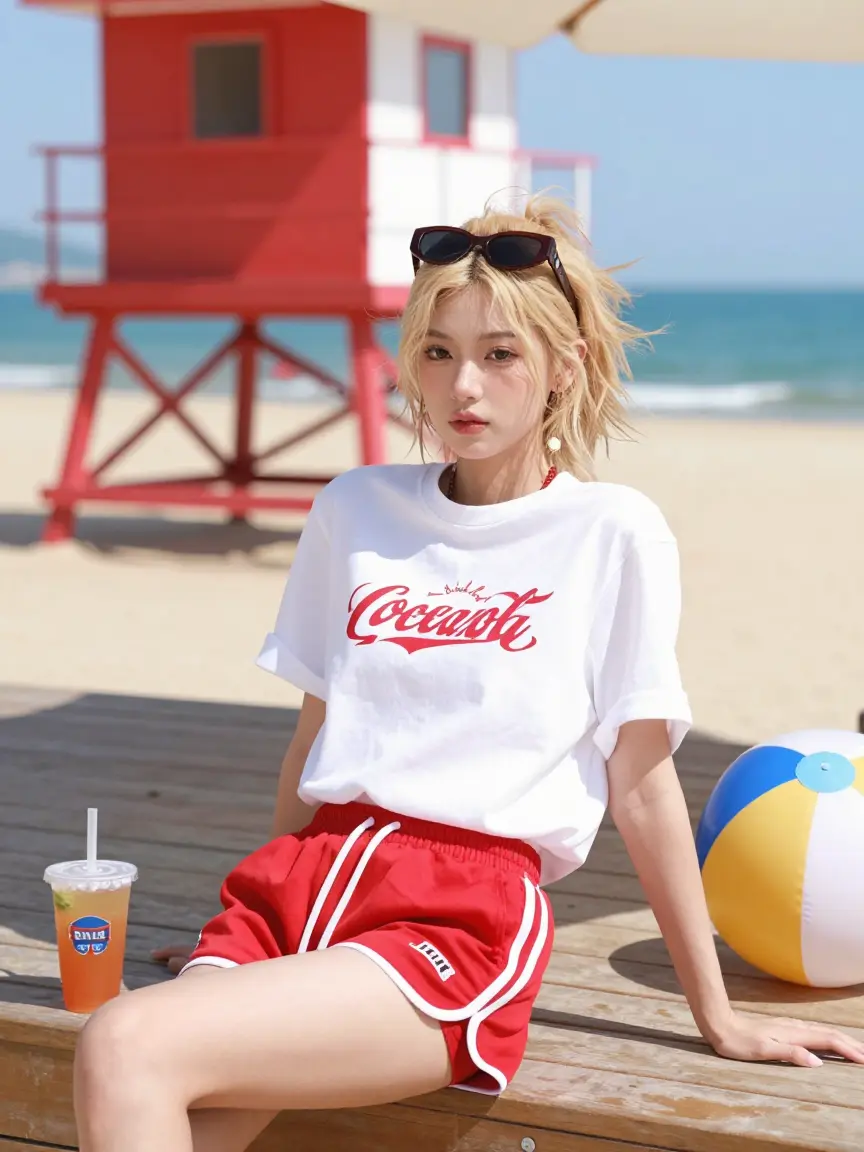
YouTube Thumbnails
Content creators often generate a perfect image where the subject blocks the text area. In Photoshop, moving the subject leaves a hole that takes 30 mins to fix. Qwen separates the subject and *automatically inpaints the background behind them*, allowing you to slide the character to the left and add text instantly.
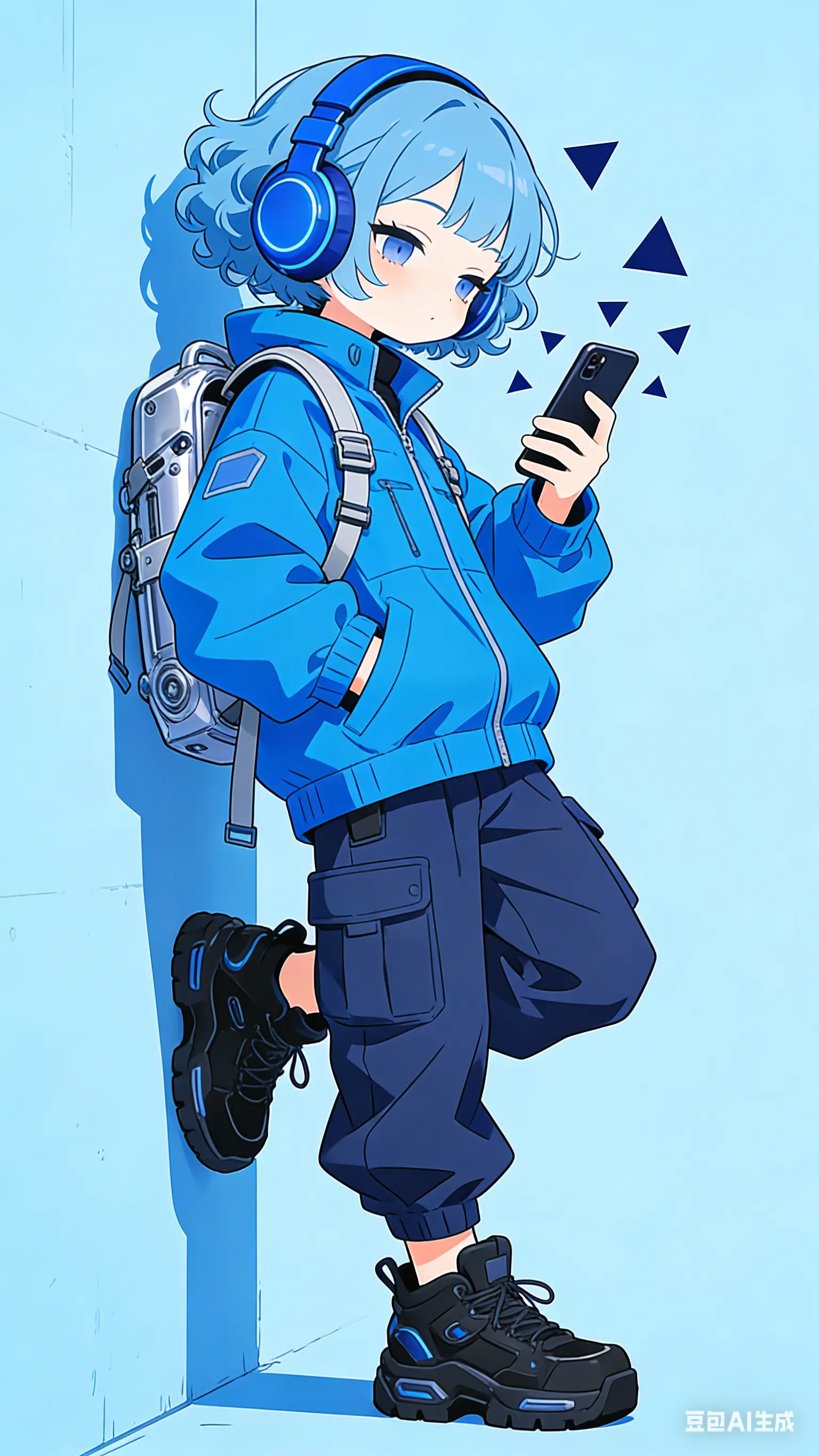
2.5D Animation
Animators usually spend hours cutting images into depth planes (Fore, Mid, Back) and painting in the missing edges to avoid gaps during camera moves. Qwen generates these full layers with occlusion filled in. You can import them directly into After Effects to create immediate 3D depth and parallax movement.
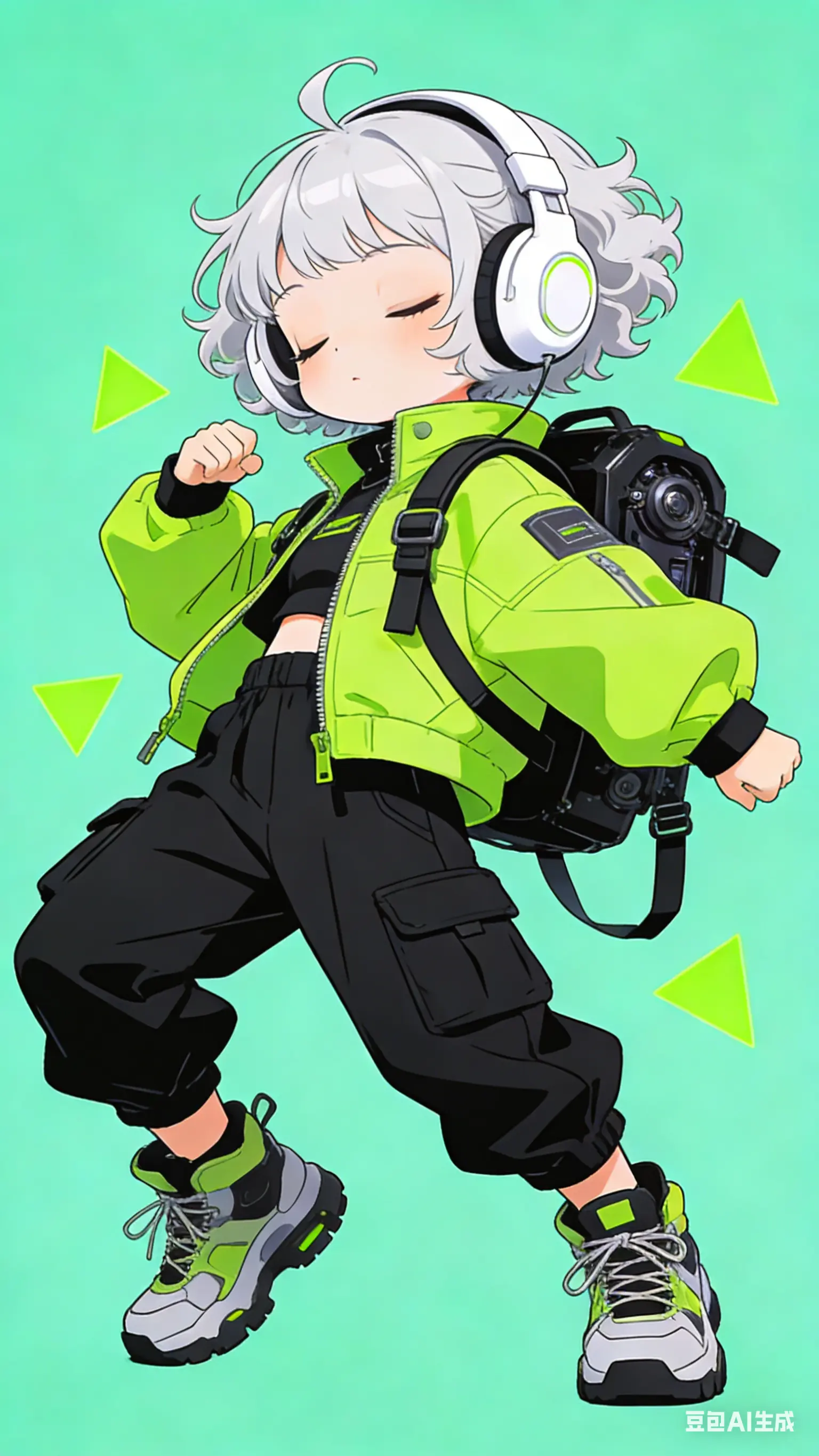
Transparent Materials
Tools like 'Segment Anything' (SAM) create hard binary masks, ruining the look of glass, smoke, or veils. Qwen generates true RGBA alpha channels. This means you can extract a transparent perfume bottle or a cocktail glass and place it on a new background, retaining the see-through glass and liquid details.
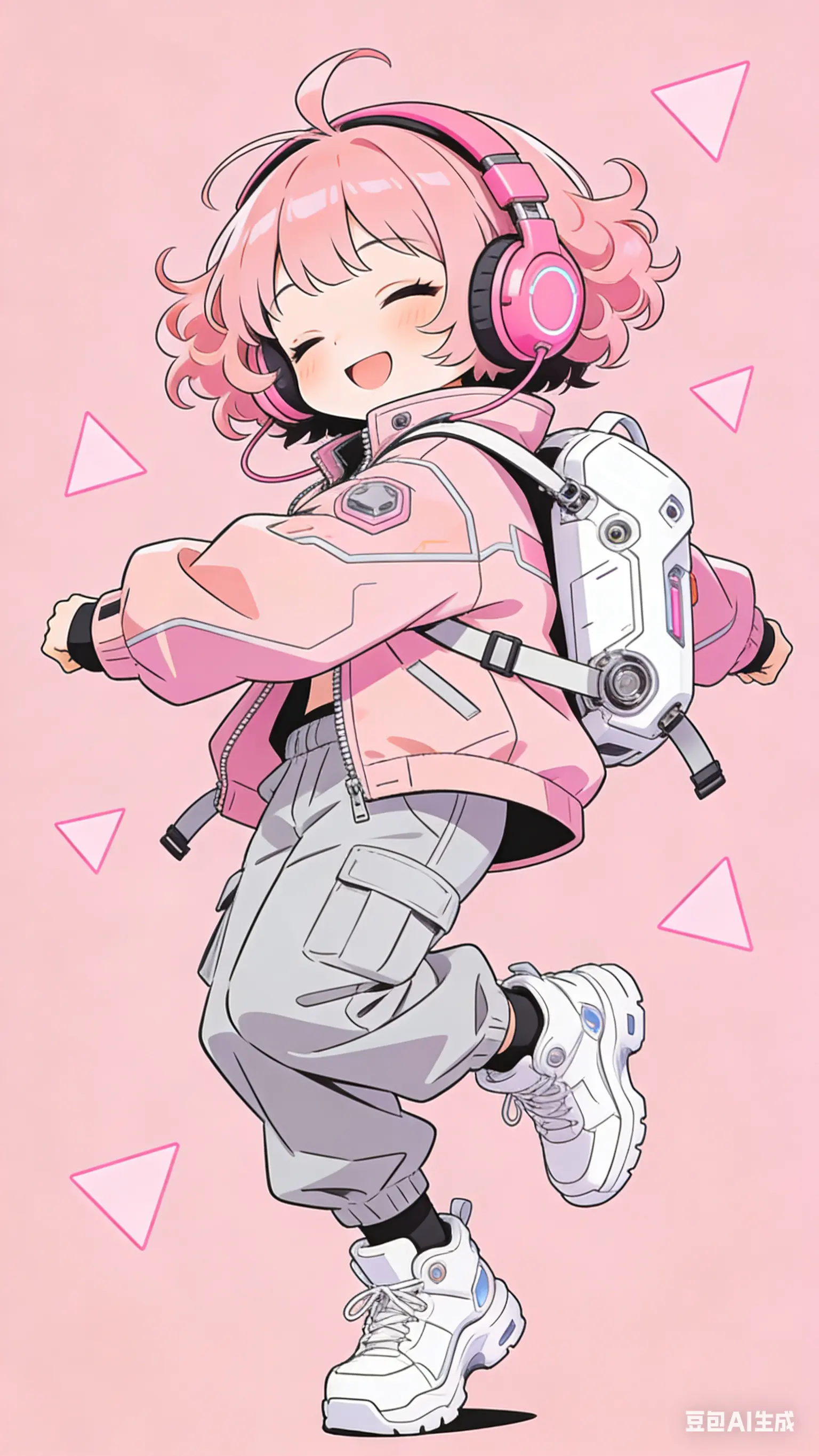
UI & Text Cleanup
When AI generates game UI or posters, it often adds gibberish text over complex textures. Qwen intelligently separates 'Text' onto its own layer. You can simply delete the text layer to reveal the clean button or texture underneath, saving you from tedious clone-stamping and texture rebuilding.
The Technical Edge
Comparing Qwen Image Layered to traditional tools and other AI models.
Occlusion Inpainting
The killer feature. Unlike SAM, which leaves a black hole when you cut an object, Qwen hallucinates the pixels behind the object, giving you a complete background.
True Alpha Transparency
Handles soft edges (hair, fur) and semi-transparent objects (glass, water) with high-fidelity alpha channels, not just hard cutouts.
Semantic Layering
It doesn't just look for edges; it understands content. It knows to group the 'Cat' as one layer and the 'Rug' as another, rather than splitting by color.
2-Minute Workflow
Replaces a 30-60 minute expert Photoshop workflow (Select -> Mask -> Refine Edge -> Clone Stamp Background) with a single AI inference.
Text & Overlay Detection
Specifically trained to identify and isolate text overlays, making it the ultimate tool for cleaning up or localizing posters and memes.
Complete Solution
No complex VAE or LoRA training required (unlike Flux). It's a standalone model ready to process any image input immediately.
Frequently Asked Questions
Explore More AI Tools
From Z-Image to Nano Banana Pro, find the AI image generation tool that fits your needs

Flux.2 Dev
Open weights for boundless developer creativity.

Flux.2 Flex
Balance speed and quality on demand.

Flux.2 Pro
Native 4MP resolution for commercial consistency.

GPT Image 1.5
Your Vision, Exactly As Pictured

Nano Banana Pro
Reasoning AI for perfect text and physics.
Qwen Image 2512
Improved version of Qwen Image

Qwen Image Edit 2511
AI editing with perfect consistency

SeeDream 4.5
Cinematic lighting for dreamlike portraits.
Z-Image Base
The uncompromising 6B parameter foundation model. Masterpiece-level photorealism and native bilingual understanding.

Z-Image Turbo
Real-time photorealism in under a second.
Stop Fixing Holes in Photoshop
Switch to Qwen Image Layered and get fully editable, transparent, and background-repaired assets in seconds.