
GPT Image 1.5: Your Vision, Exactly As Pictured.
Stop fighting the algorithm. Experience GPT Image 1.5—the model that edits precisely, spells correctly, and captures your vision without compromise.
Click or drag image
Up to 4 images, max 5MB each
How to Wield GPT Image 1.5
Mastering this model is about specificity. The more precise your instructions, the better the output.
1. Select & Set Context
Choose 'GPT Image 1.5' from the model dashboard. Unlike abstract art models, this tool thrives on context. Define your goal immediately: 'A marketing poster,' 'A UI mockup,' or 'A character sheet.'
2. Prompt with Precision
If you need text, use double quotes: "Text Here". If you need specific placement, use coordinates or clear prepositions: 'A red ball in the top-left corner, a blue cube in the bottom-right.' The model's logic engine will map these strictly.
3. Surgical Editing
Don't like the background? Use the conversational edit feature. Type 'Change the background to a forest but keep the character exactly the same.' GPT Image 1.5 locks the subject's identity while swapping the environment.
Solving the 'Uncontrollable AI' Problem
Where other models hallucinate, GPT Image 1.5 executes. Here are four scenarios where precision matters more than vibes.
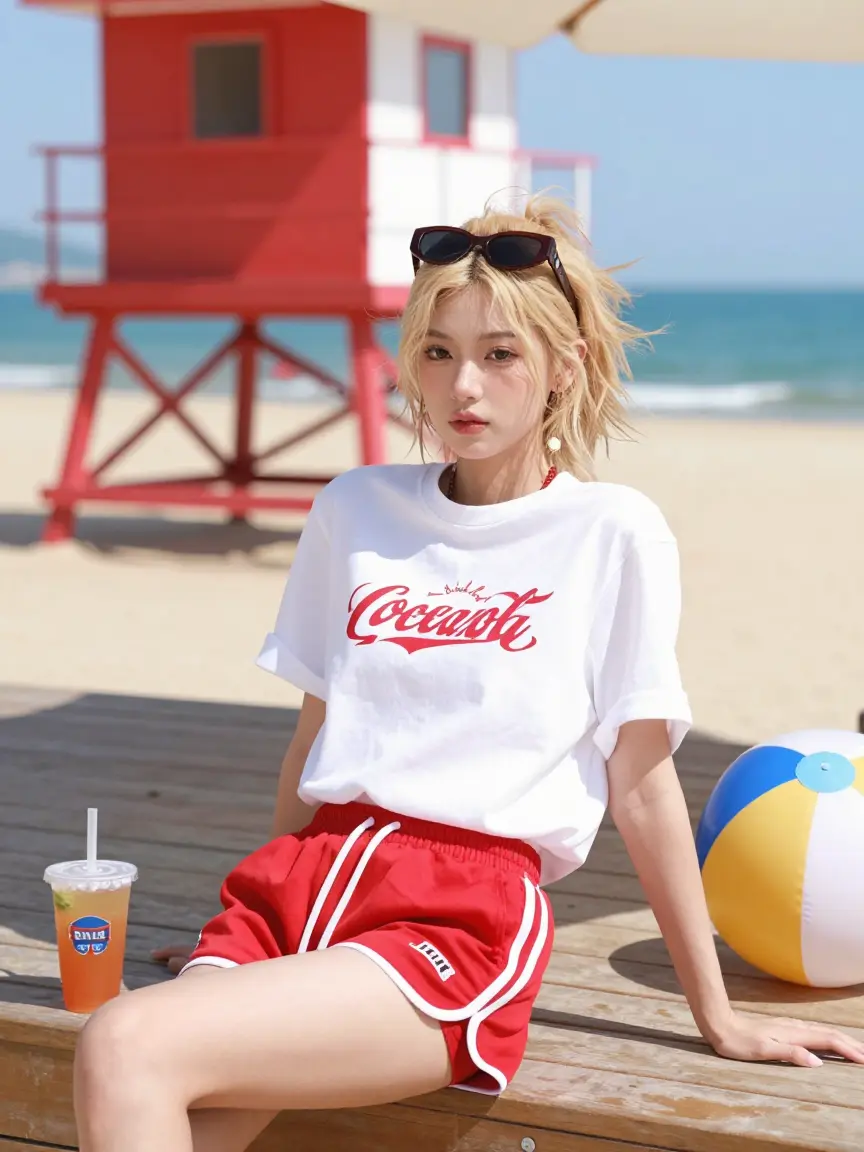
Typographic Ads
Creating a holiday sale flyer usually means generating an image and then switching to Canva to add text. With GPT Image 1.5, you can command a 'luxury perfume bottle on a velvet podium with a gold sign reading "Midnight Scent"'. The model integrates the typography physically into the 3D scene, creating reflections and shadows for the letters that 2D overlays can't match.
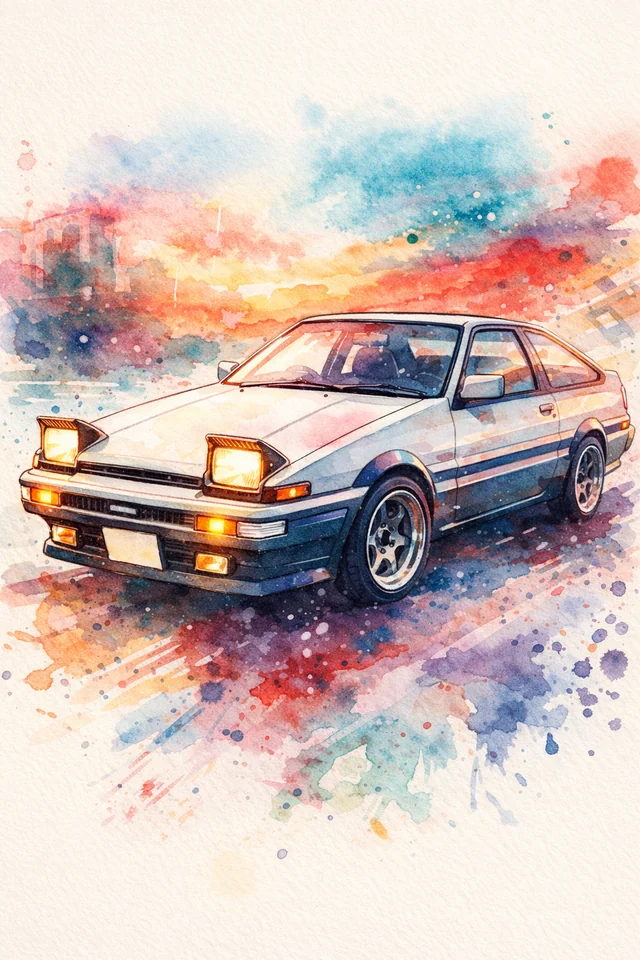
Virtual Staging
E-commerce managers can upload a single studio photo of a sneaker and ask the model to 'place this exact shoe on a rugged hiking trail'. Unlike older models that would reimagine the shoe and ruin the brand identity, GPT Image 1.5 identifies the product as a protected object, altering only the lighting and environment to match the new context.
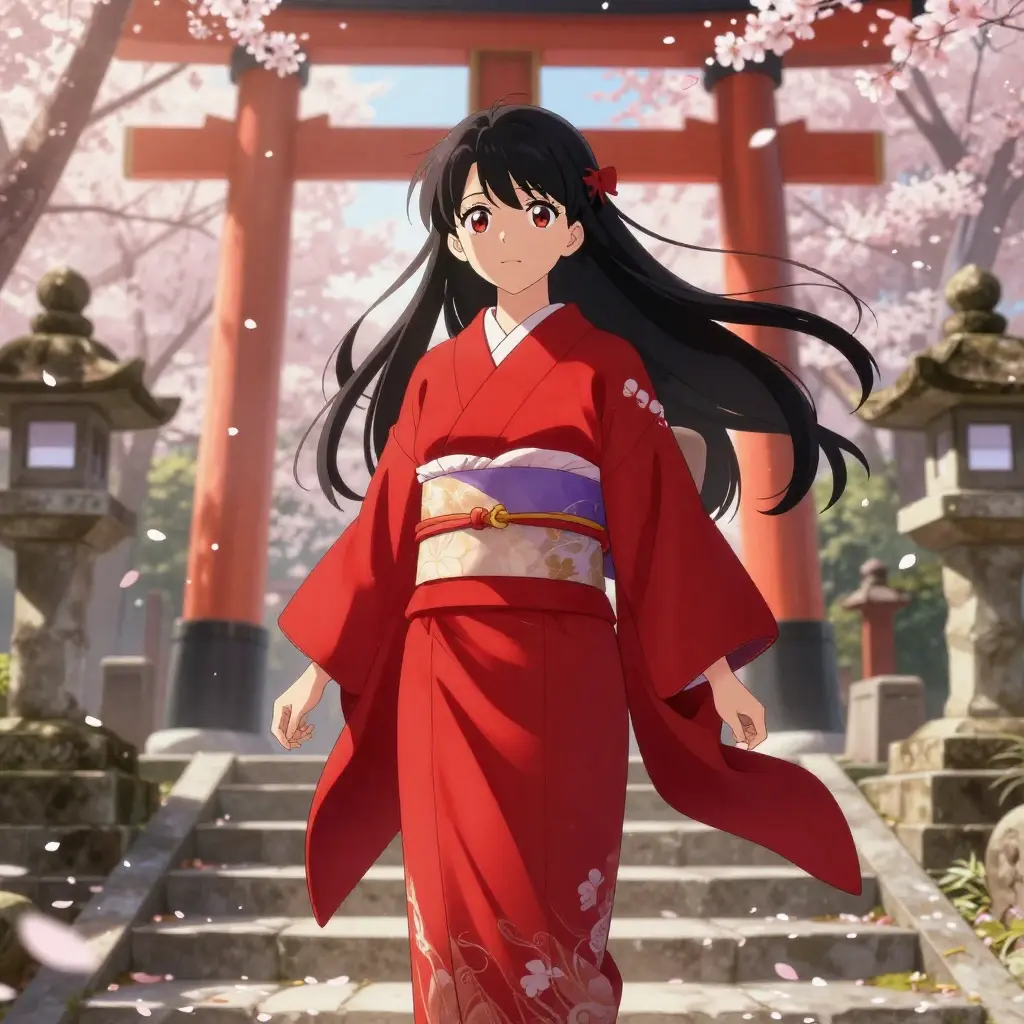
Sequential Art
Graphic novelists often struggle with characters changing faces between panels. By prompting for a '2x2 grid showing the same detective reacting to evidence: 1. Shock, 2. Anger, 3. Confusion, 4. Determination', users leverage the model's spatial reasoning to generate consistent character sheets in one go, maintaining outfit and facial structure across all frames.
UI Wireframing
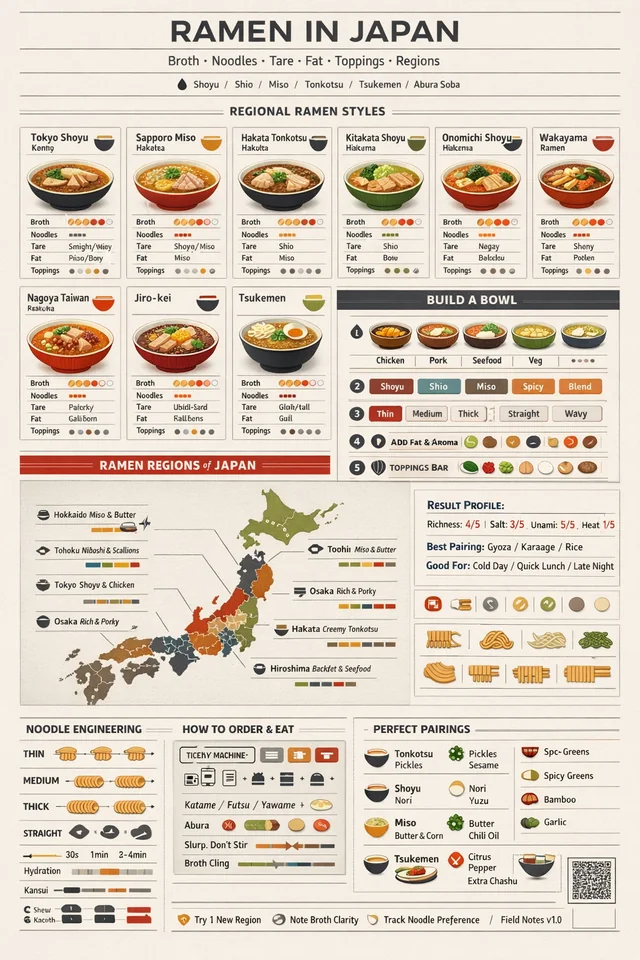
Abstract AI art is useless for web development. GPT Image 1.5 excels at following structural mandates. Requesting a 'SaaS analytics dashboard with a left sidebar, a top search bar, and a center heat map' yields a clean, geometrically accurate interface mock-up. It respects standard UI patterns and text hierarchy, speeding up the 'ideation to wireframe' pipeline.
The Precision Toolkit
Designed for users who need the AI to act as a junior designer, not a chaotic artist.
Native Text Rendering
Capable of generating long strings of legible text. Perfect for logos, signage, and headlines where spelling matters.
Identity Locking
The advanced attention mechanism can 'lock' onto a face or object, allowing you to edit the scene around it without distorting the subject's features.
Grid & Layout Awareness
Understands spatial prompts like 'split screen', '6-panel grid', or 'top-left corner', maintaining separation between distinct elements.
Natural Language Nuance
It understands the difference between 'a panda eating a bamboo' and 'a bamboo eating a panda'. Grammatical nuance is reflected in the visual output.
Surgical In-Painting
Perform specific edits (e.g., 'remove the glasses', 'change the tie to red') using natural language without the need for manual masking.
Device-Agnostic Aspect Ratios
Generates native aspect ratios for any platform (9:16 for TikTok, 16:9 for YouTube) without cropping or stretching vital details.
Frequently Asked Questions
Explore More AI Tools
From Z-Image to Nano Banana Pro, find the AI image generation tool that fits your needs

Flux.2 Dev
Open weights for boundless developer creativity.

Flux.2 Flex
Balance speed and quality on demand.

Flux.2 Pro
Native 4MP resolution for commercial consistency.

Nano Banana Pro
Reasoning AI for perfect text and physics.
Qwen Image 2512
Improved version of Qwen Image

Qwen Image Edit 2511
AI editing with perfect consistency

Qwen Image Layered
Photo editing AI that decomposes images into layers for precise, non-destructive edits.

SeeDream 4.5
Cinematic lighting for dreamlike portraits.
Z-Image Base
The uncompromising 6B parameter foundation model. Masterpiece-level photorealism and native bilingual understanding.

Z-Image Turbo
Real-time photorealism in under a second.
Stop Fighting the Algorithm
Switch to GPT Image 1.5 for images that actually match your prompt, text that reads correctly, and edits that respect your subject.