
Qwen Image Edit (2511): Precision & Consistency Unleashed
Alibaba’s latest AI image editor powers detailed photo edits at scale. Whether touching up group portraits, refining product visuals, or swapping out text, Qwen Image Edit (2511) preserves every detail and identity.
Click or drag image
Up to 4 images, max 5MB each
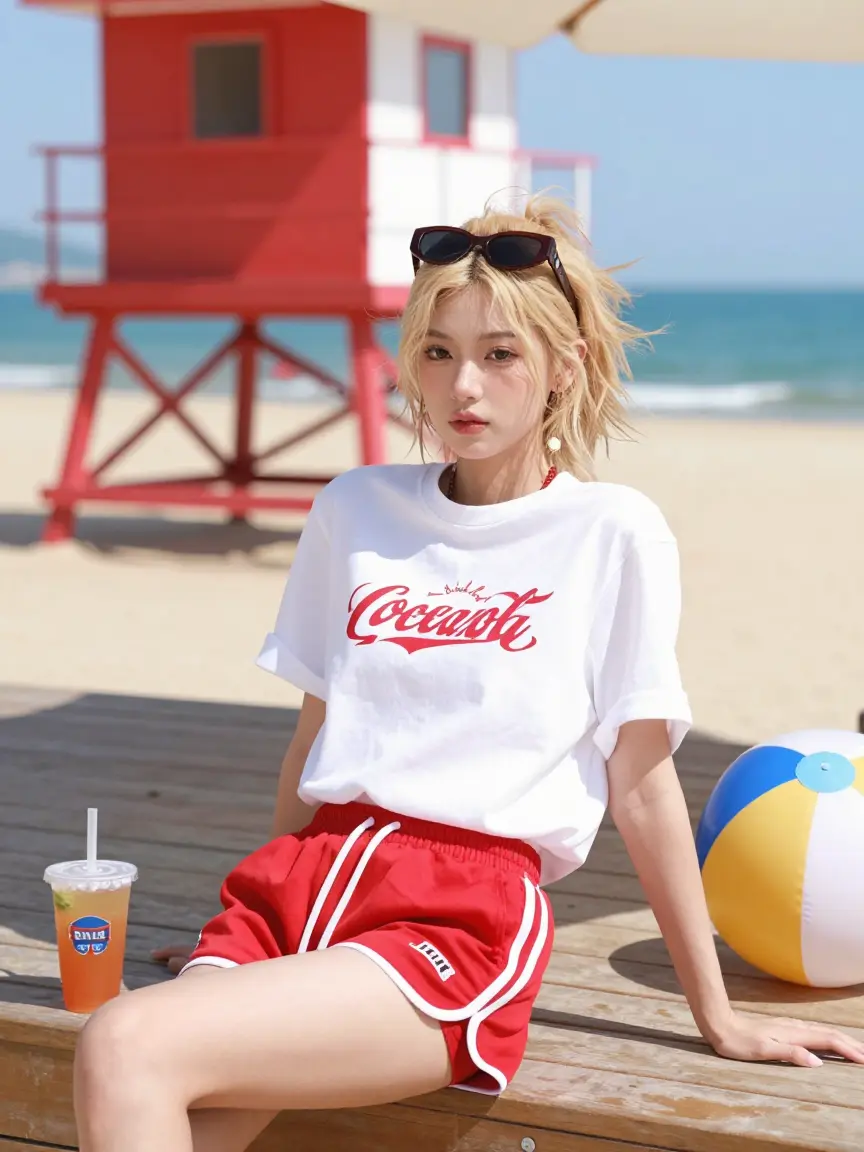
How to Use Qwen Image Edit (2511)
Achieve professional edits in three simple steps using our web interface.
1. Select the Model
In the top-left model selector, choose **Qwen Image Edit (2511)** to activate this AI editor.
2. Upload Image & Prompt
Upload your base image (and optional reference images). Enter a clear instruction prompt describing the edits (e.g., "Add a smartphone on the table without moving anything else, keeping the lighting consistent").
3. Generate & Adjust
Click **Generate** to let Qwen Image Edit (2511) process your edit. The result will apply your changes (new objects, text, or style) while preserving the original subjects. If needed, refine with additional prompts or corrections (like "enhance the red color" or "keep subject's face unchanged") and re-run.
Consistent Edits, Endless Possibilities
Qwen Image Edit (2511) solves the toughest editing challenges: it keeps faces consistent in group photos, maintains product geometry, and renders on-image text correctly. Use it anywhere reliable, high-quality editing is needed.
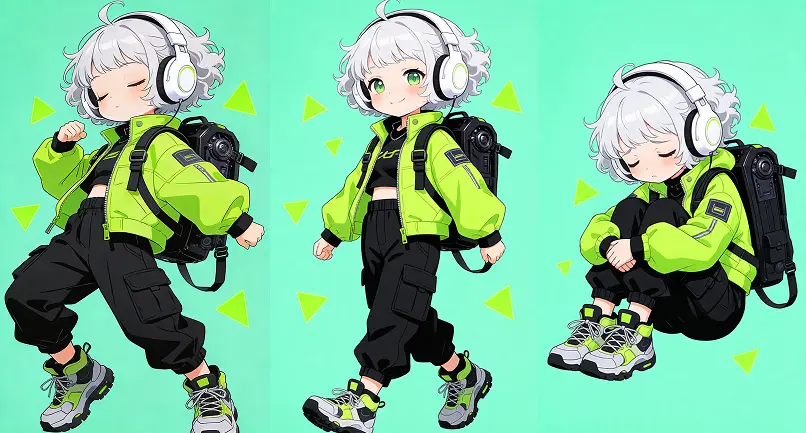
Group Photo Editing
Wedding and event photographers use Qwen Image Edit (2511) to remove unwanted objects or add people into family photos. The model preserves each person’s facial identity and adjusts lighting and shadows correctly, creating a natural group portrait without distortions.
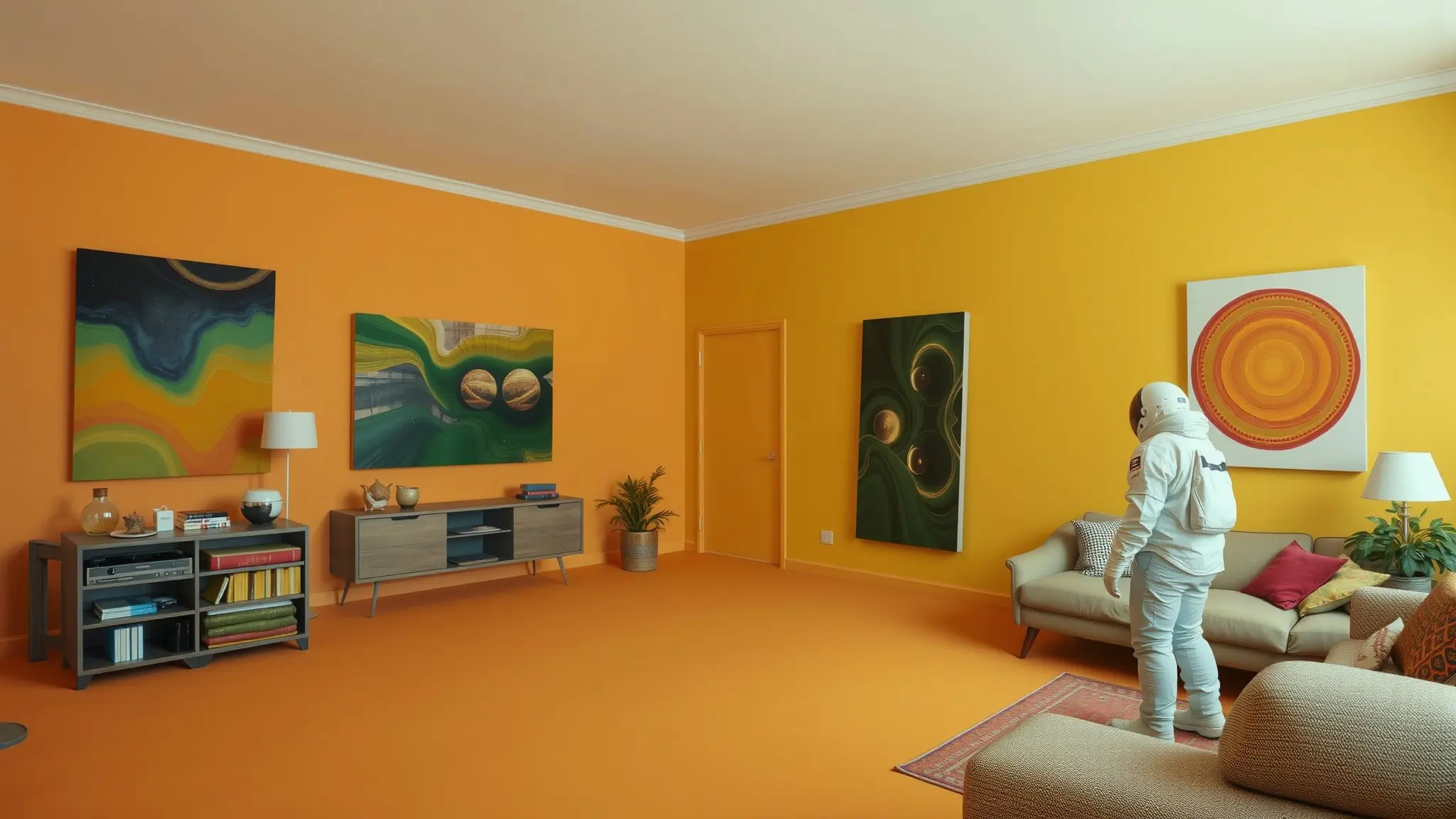
Product Design Mockups
Online retailers and designers refine product photos by adding features like labels, background props, or color changes. Qwen Image Edit (2511)’s advanced geometry understanding means added graphics stay aligned and realistic (for example, new logos appear flat on curved surfaces), perfect for polished catalogs and ads.

Dynamic Ad Creation
Marketing teams generate ad banners by editing photos directly – updating slogans, translating text, or swapping logos. With native text support, Qwen Image Edit (2511) keeps fonts and styles intact. For example, a storefront sign can be edited to show new promotional text in multiple languages while the scene remains cohesive.
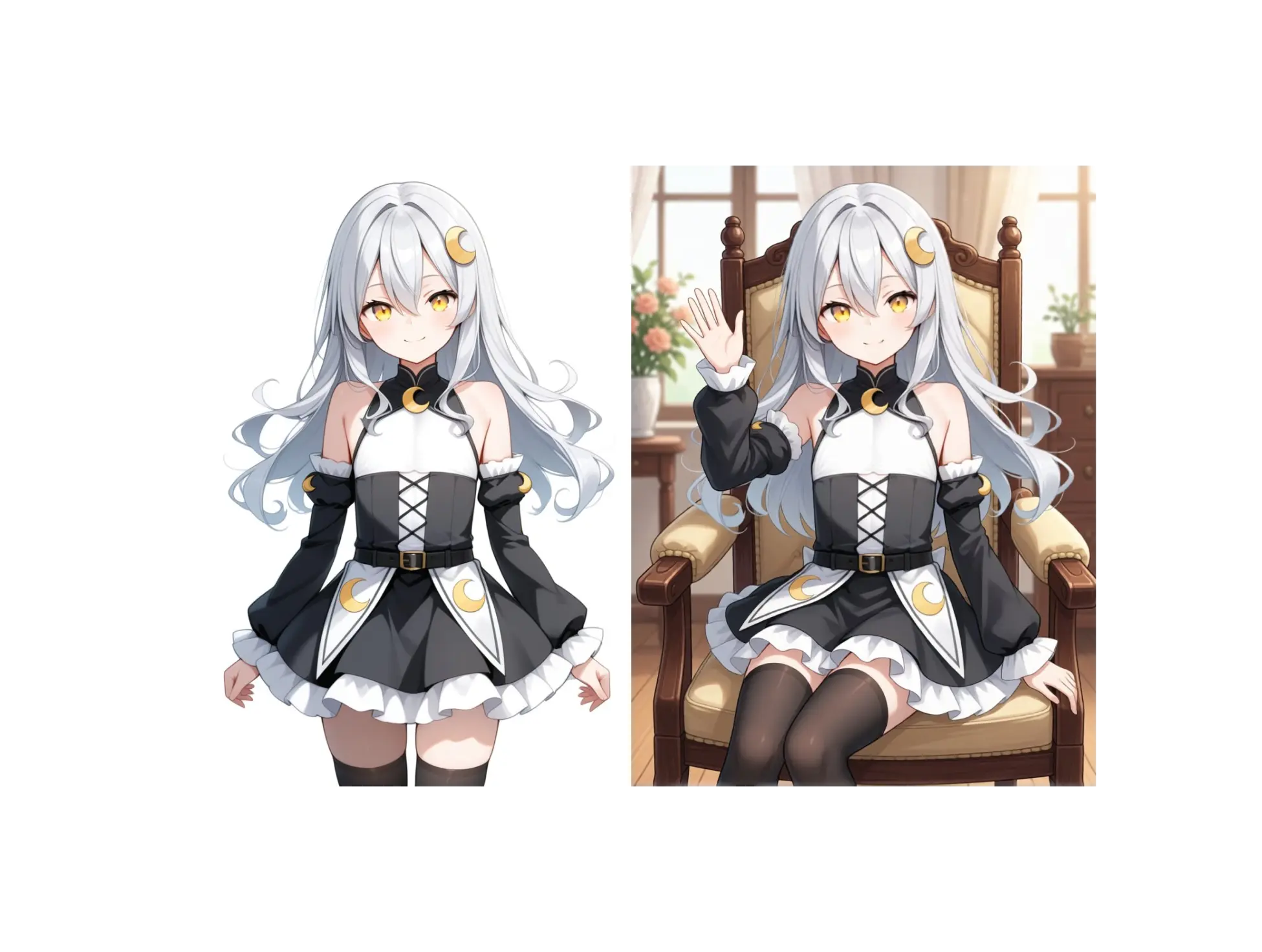
Character & Style Edits
Artists and content creators iterate character designs by rotating views, changing outfits, or applying different art styles. Qwen Image Edit (2511) lets you fix a character’s face reference and then generate scenes in varied settings or artistic styles (e.g. realistic, anime, or Ghibli-inspired) without losing character identity or proportions.
What Makes Qwen Image Edit (2511) Special
Under the hood, Qwen Image Edit (2511) builds on a powerful 20B parameter foundation with cutting-edge improvements. Here are its most compelling advantages:
Multi-Person Consistency
Whether it’s family snapshots or team photos, this model handles multiple subjects without swapping faces or misplacing people. It intelligently blends separate images into one cohesive group photo, maintaining identities and relative poses.
Identity Preservation
Upload a reference of a person or character and expect their face to remain recognizable. Qwen Image Edit (2511) dramatically reduces the common issue of distorted features when changing poses, expressions, or lighting, ensuring each subject looks like themselves.
Native Text Editing
Add, remove, or change in-image text (in English or Chinese) with near-perfect fidelity. The model treats text as a distinct element, so fonts, sizes, and alignments stay natural – ideal for signboards, packaging, or any graphic design work requiring legible text.
Built-In LoRA Styles
Use popular community style LoRAs out-of-the-box. Qwen Image Edit (2511) comes pre-loaded with selected artistic and photographic style filters, so you can apply effects like a specific lighting or cartoon style without manual tuning.
Structural & Geometric Aware
With enhanced geometric reasoning, it understands shapes and perspective. When adding or removing elements (like a sign, furniture, or building), it aligns them correctly and even generates auxiliary guides (e.g. blueprint lines or reflections) for design purposes.
Industrial Design Focus
Engineered for product visuals, it produces cleaner surfaces and symmetrical edits. Designers can do tasks like changing product colors, adding labels, or visualizing packaging updates knowing the model respects edges and proportions for a professional result.
Frequently Asked Questions
Explore More AI Tools
From Z-Image to Nano Banana Pro, find the AI image generation tool that fits your needs

Flux.2 Dev
Open weights for boundless developer creativity.

Flux.2 Flex
Balance speed and quality on demand.

Flux.2 Pro
Native 4MP resolution for commercial consistency.

GPT Image 1.5
Your Vision, Exactly As Pictured

Nano Banana Pro
Reasoning AI for perfect text and physics.
Qwen Image 2512
Improved version of Qwen Image

Qwen Image Layered
Photo editing AI that decomposes images into layers for precise, non-destructive edits.

SeeDream 4.5
Cinematic lighting for dreamlike portraits.
Z-Image Base
The uncompromising 6B parameter foundation model. Masterpiece-level photorealism and native bilingual understanding.

Z-Image Turbo
Real-time photorealism in under a second.
Elevate Your Image Editing
Stop fighting glitches in photos. Switch to Qwen Image Edit (2511) for easy, coherent edits that preserve every detail. Try it on z-image.app now!